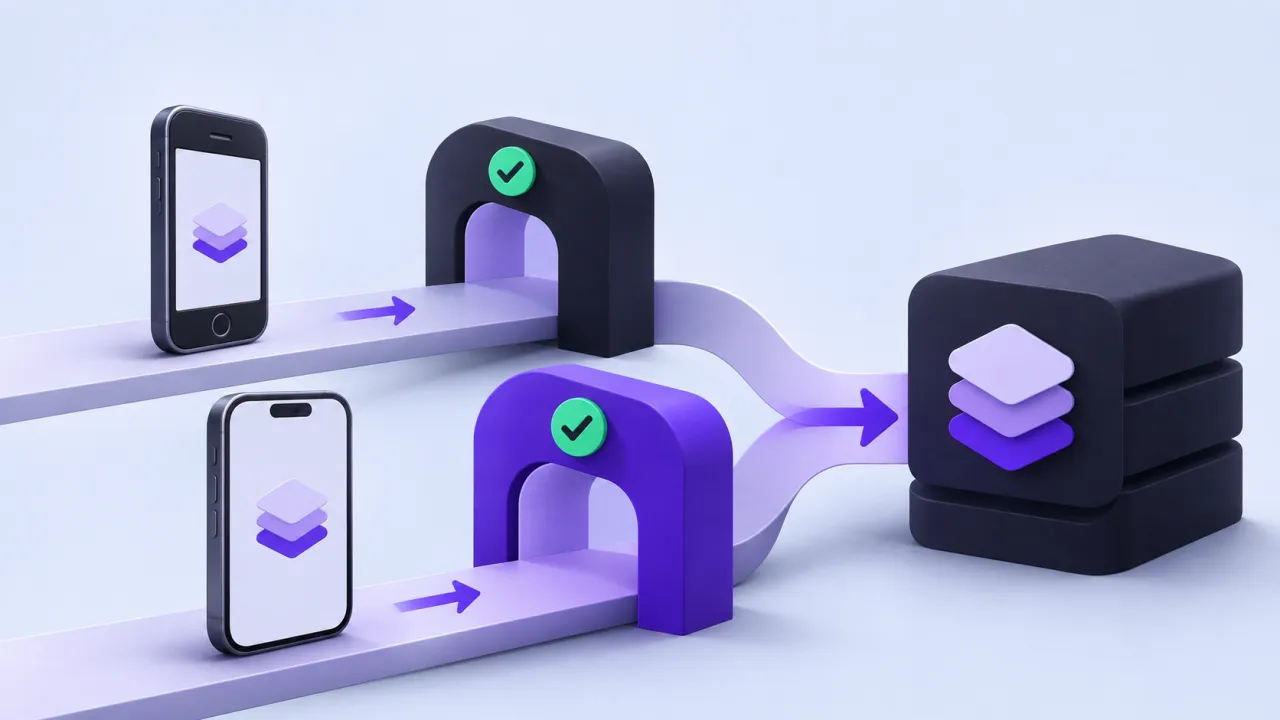
Mobile clients cannot all be updated at the same moment. A backend release may serve several installed app versions for weeks or longer. API compatibility therefore needs an explicit support policy and an understanding of what older clients will do when fields, capabilities or authentication behavior change.
The contract to define first
Prefer additive response changes when supported consumers tolerate them, and test actual parsing behavior rather than assuming compatibility. Use capability negotiation or explicit contract versions where needed. Keep deprecation messages actionable, and avoid removing an operation until the product has a defined path for affected clients. Server feature flags do not make an incompatible client understand a new schema.
A worked scenario
A synthetic older app expects one workout-status enum. The backend adds a new state. If the app treats unknown values as success, the release is behaviorally unsafe even though the response remains valid JSON. A compatibility fixture should exercise that older consumer directly.
An implementation and review sequence
- Maintain an inventory of supported client contracts
- Test representative old consumers against new responses
- Define deprecation and minimum-version behavior
Failure cases worth testing
| Condition or input | Expected behavior |
|---|---|
| An optional field is added | Supported clients retain correct behavior |
| An unknown enum appears | Older consumers fail or fall back safely |
| A client is below the support floor | The user gets a clear update and recovery path |
Download the illustrative acceptance checklist (JSON)
Tradeoffs and limits
Supporting old clients has operational cost. A clear minimum-version policy can be reasonable, but forced updates should be planned around availability, accessibility and account recovery.
Use the result to make a decision
The practical output is straightforward: support old clients through capability negotiation and expiry rules. Keep the assumptions with the artifact so a product owner, implementer or prospective partner can review the same decision. A useful handoff states the supported scope, the evidence collected and the remaining dependency instead of treating a successful demonstration as proof of every operating condition.
Continue with related implementation detail
Related guide: A release pipeline a small product team can understand.
React Native account switching cache leaks
Mobile release QA device matrix
References and current platform requirements
Platform capabilities, programme terms and access conditions can change. Check the linked primary references against the version and account you actually use; the patterns above do not establish a provider approval, certification or universal compatibility guarantee.
Discuss the workflow
Bring the affected device, release version, and a reproducible workflow for a scoped mobile discussion.
Explore the relevant AptixLabs service
How can a backend remain compatible with old app clients?
Mobile clients cannot all be updated at the same moment. Supporting old clients has operational cost.
Which failure cases should be included in the review?
Include these explicit cases: An optional field is added: supported clients retain correct behavior; An unknown enum appears: older consumers fail or fall back safely; A client is below the support floor: the user gets a clear update and recovery path.