
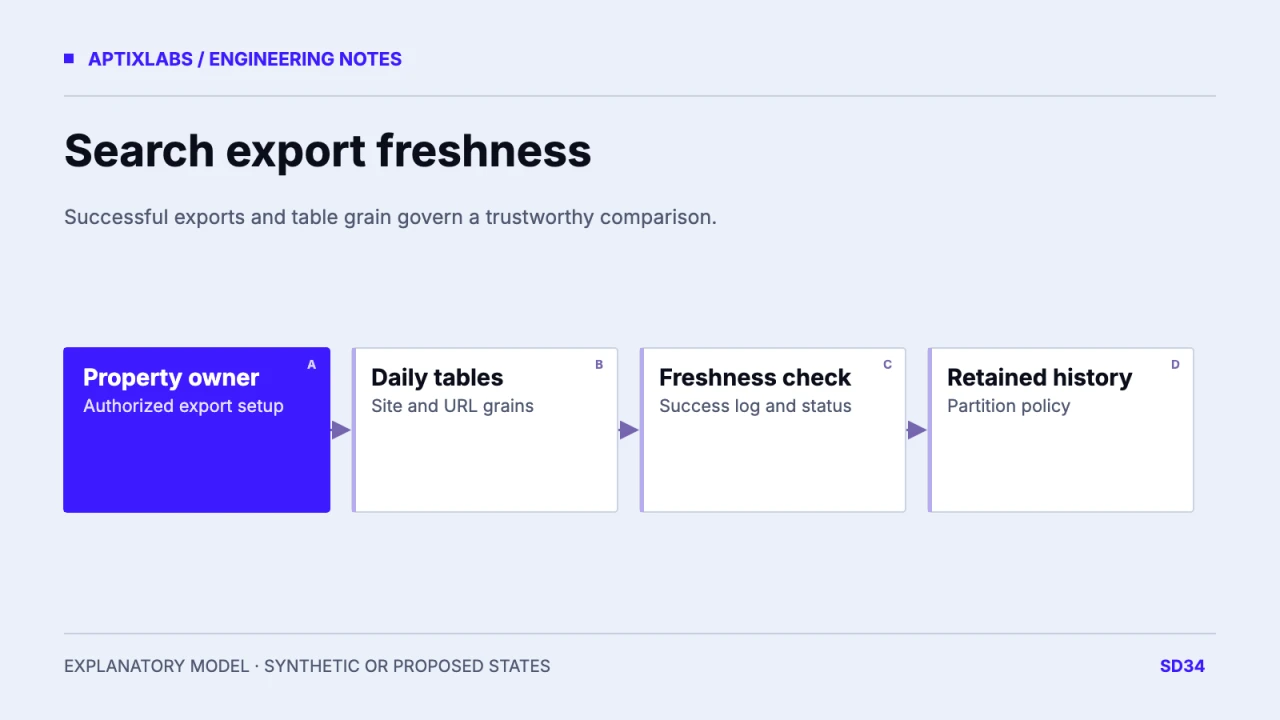
Design Search Console bulk export as a daily dataset with explicit table grain, retention and freshness checks. Missing partitions should become a data-quality warning, not an invented zero-click day or a reconstructed private query.
Verify ownership and the storage destination
Record the Search Console property, authorized owner, Cloud project, dataset location and billing owner. Follow Google’s current setup instructions for required APIs and permissions. The export creates an ongoing storage and query workload, so name who monitors its cost and access. Do not enable a paid project or change retention merely to complete an editorial example. The current bulk-export overview describes daily performance exports while preserving query privacy limits. A dataset can improve reproducibility without becoming a complete record of every search phrase.
Additional current primary reference
Keep site and URL aggregates at their real grains
Google’s table reference distinguishes searchdata_site_impression, aggregated by property, from searchdata_url_impression, aggregated by URL. ExportLog records successful exports, and the two data tables can arrive separately. Keep data_date, namespace and export metadata with ingestion checks. Do not join site and URL totals as if they were interchangeable event rows. Define the dimensions used for a report and aggregate from the matching table. A URL-level query analysis and a property-level trend can answer different questions even when their dates appear identical.
| Date | URL table status | Interpretation |
|---|---|---|
| Monday | Successful export recorded | Available for matched report |
| Tuesday | No success evidence yet | Unknown; investigate |
| Wednesday | URL present; site pending | Do not assume both grains ready |
| Prior corrected date | Higher version metadata | Annotate historical update |
Treat a missing day as unknown until checked
In a fictional property, URL data is present for Monday and Wednesday but Tuesday’s expected export has no success evidence. Mark Tuesday missing and investigate the latest export status, permissions and history. Do not fill it with zero clicks or use it to claim demand collapsed. ExportLog does not record failed attempts, so absence alone is not a detailed failure diagnosis. Retain the provider’s latest status and your own observation time. A later correction can change previously exported data; preserve version metadata rather than assuming historical partitions never change.
Search Console bulk-export table schema and retention
Set partition retention and monitor failures
The table reference describes default retention subject to project and organization settings and recommends partition expiry when bounded history is appropriate. Choose the history needed for the business decision and verify the actual inherited policy. Expiring the entire table is a different operation from aging old partitions. Google’s monitoring guide warns that repeated failures eventually stop retries for a date and can stop the export. Alert an owner on stale successful exports early enough to investigate. Include storage and query cost monitoring without describing the export as free.
Compare matched periods and preserve privacy limits
Use complete matched date ranges, the same search type, dimensions and freshness status when comparing pages. Keep anonymized query labels unavailable; a larger export cannot recover private query text that Google does not supply. If a metric changes after a backfill or correction, annotate the report rather than attributing all movement to content work. No Search Console export was activated or queried for this article. The proposed handoff is a dataset contract, freshness register and retention policy that can replace ad hoc screenshots while keeping missing data and source limits visible.
Search Console query privacy interpretation
SaaS content refresh prioritization
Bring the property, intended reporting decisions and retention needs to scope a durable measurement dataset.
B2B SaaS development: scope and acceptance
Does a missing export partition mean zero clicks?
No. Mark it unknown and inspect export status and successful export history.
Can bulk export recover anonymized query text?
No. Preserve the source’s privacy limits and leave unavailable query labels unassigned.