
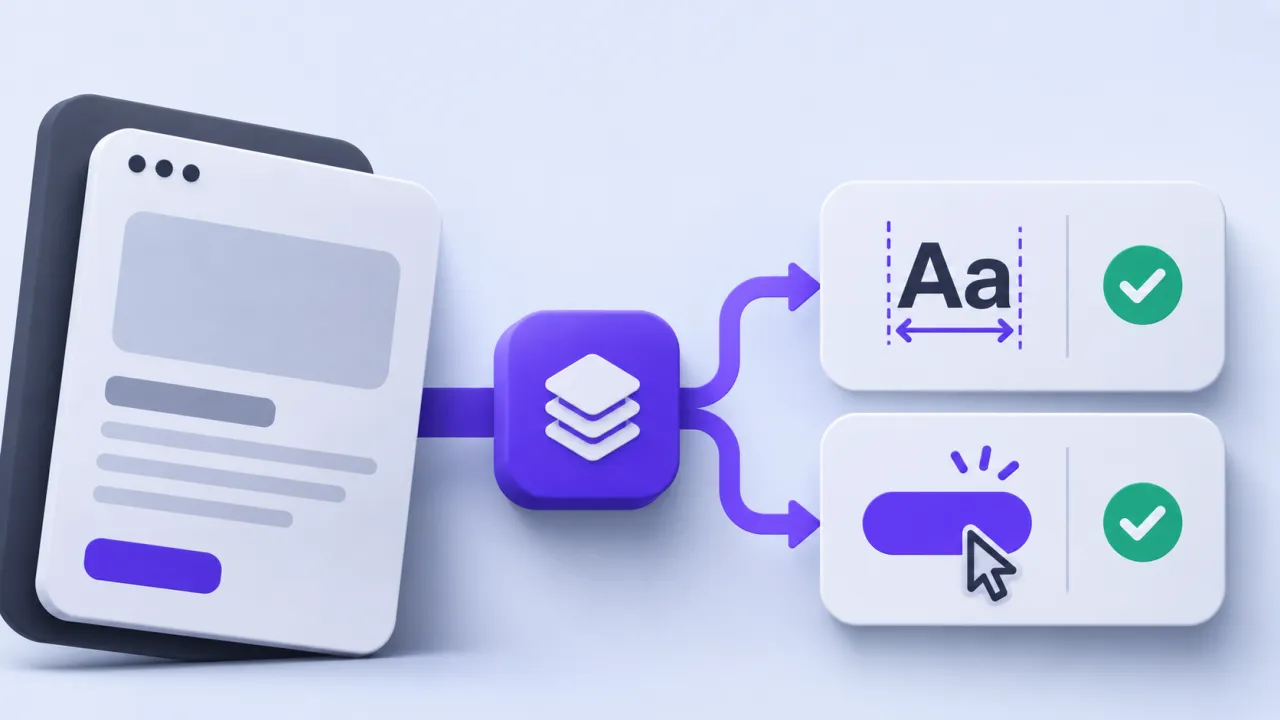
AI-generated UI can look complete while omitting the states and behaviors that make a product usable. Review the result as a working interface: hierarchy, component consistency, accessibility and task completion all matter. A clean screenshot is a useful first check, not the final acceptance criterion.
The contract to define first
Inspect whether the design uses the existing token and component system, then test loading, errors, empty data and denied actions. Replace invented metrics and decorative charts with real demo data or clearly labelled examples. Check text at realistic lengths, narrow widths and large font settings. A visually plausible control must perform the action its label promises.
A worked scenario
A synthetic generated dashboard includes a beautiful activity chart with no defined units and a button that does nothing. The review should remove or implement those elements before debating subtle shadow differences. Meaningful behavior and honest data take priority over surface polish.
An implementation and review sequence
- Check component and token reuse
- Exercise every visible primary action and failure state
- Replace fabricated data with explicit demo inputs
Failure cases worth testing
| Condition or input | Expected behavior |
|---|---|
| A chart lacks defined units | It is incomplete even if attractive |
| A control is keyboard unreachable | The interaction fails review |
| A generated claim has no evidence | Remove or qualify it before publication |
Download the illustrative acceptance checklist (JSON)
Tradeoffs and limits
Overcorrecting every visual detail can delay useful feedback. Establish a small set of acceptance tasks and resolve factual or interaction failures before polishing optional decoration.
Use the result to make a decision
The practical output is straightforward: review hierarchy accessibility realism and component consistency. Keep the assumptions with the artifact so a product owner, implementer or prospective partner can review the same decision. A useful handoff states the supported scope, the evidence collected and the remaining dependency instead of treating a successful demonstration as proof of every operating condition.
Continue with related implementation detail
Related guide: Design handoff should include states and constraints.
Product design handoff specification
Mobile coach portal responsive tables
References and current platform requirements
Figma: MCP server documentation
Figma: connecting React components
The linked references provide platform or process context. The worked scenario and acceptance matrix are original examples; adapt them to the actual product, supported environment and documented responsibilities.
Discuss the workflow
Bring a representative Figma flow and its component states to scope a design-to-code engagement.
Explore the relevant AptixLabs service
What should an AI-generated UI quality review test?
AI-generated UI can look complete while omitting the states and behaviors that make a product usable. Overcorrecting every visual detail can delay useful feedback.
Which failure cases should be included in the review?
Include these explicit cases: A chart lacks defined units: it is incomplete even if attractive; A control is keyboard unreachable: the interaction fails review; A generated claim has no evidence: remove or qualify it before publication.