
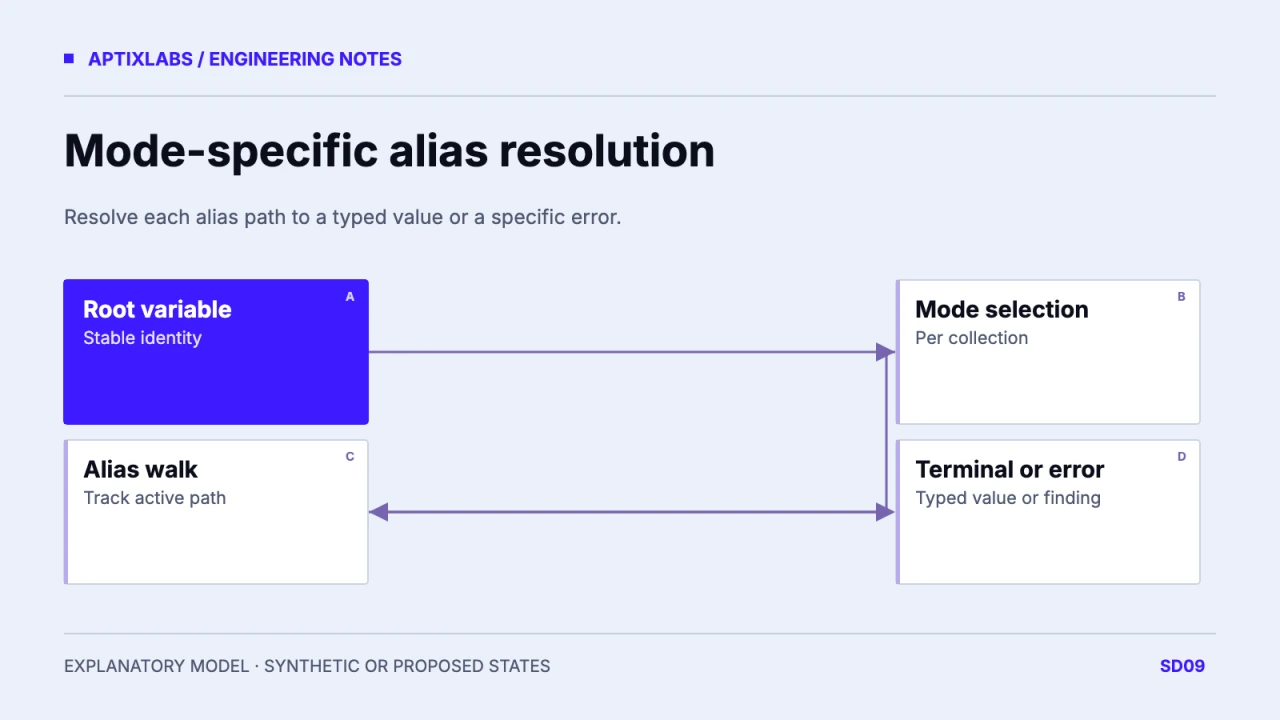
Diagnose a Figma variable alias as a graph identified by variable and collection IDs, resolved separately for each mode. A useful audit ends at a typed terminal value or an explicit missing-node or cycle finding.
Capture stable identities and mode rules
Display names are useful for reading a token list but can be duplicated or renamed. Record variable ID, collection ID, type and supported modes before walking aliases. Identify how a referenced collection’s mode is selected in the actual workflow. Figma’s Dev Mode documentation is the product reference for inspecting variables; it does not prove that a proposed exporter or importer is installed. Keep an exported graph tied to a file revision and retrieval date. A screenshot of a token name cannot establish the complete chain that produced a runtime value.
Walk aliases until a terminal or error
For a synthetic graph, surface points to panel, and panel points to neutral in the light mode. That chain terminates at a color. In a dark-mode mistake, panel points back to surface, forming a cycle. Walk with a visited set scoped to the active traversal, and record the path in the error. A global visited set reused across independent roots can incorrectly flag a shared primitive as circular. Distinguish a missing referenced node from a true cycle. Both block trustworthy output, but their repairs involve different ownership decisions.
| Mode | Path | Outcome |
|---|---|---|
| Light | surface → panel → neutral-light | Terminal color |
| Dark, broken | surface → panel → surface | Cycle |
| Dark, proposed repair | surface → panel → neutral-dark | Recheck intended value |
| Any | surface → absent ID | Missing-node finding |
Resolve every supported mode explicitly
A light-mode success does not validate dark mode, high-contrast mode or a collection-specific override. Build a table of root token, selected modes, terminal value and path. Reject a type mismatch instead of silently converting a string or number into a color. If your exporter substitutes a default for absent modes, document that behavior and make the substitution visible in review. Do not copy a working light value into dark mode just to remove the error; confirm the intended semantic role with the design owner. The graph is part of the design contract, not only a serialization problem.
function resolve(id, values, path = []) {
  if (path.includes(id)) throw Error(`Cycle: ${[...path,id].join(" -> ")}`);
  const v = values[id];
  if (v === undefined) throw Error(`Missing: ${id}`);
  return v.alias ? resolve(v.alias, values, [...path,id]) : v.value;
}
Compare graph output with runtime mapping
After resolving the design value, inspect the generated or maintained code token and the receiving component’s computed style. Keep alias resolution separate from CSS validity: a graph can terminate at a valid string that is invalid for the property where it is used. Names, units and mode selection can drift during export. Capture one path from design root to runtime property with its file revision. That lineage makes a mismatch actionable. It does not require introducing a second design-token system when the project already has one; adapt the audit to the established mapping conventions.
Repair the smallest broken edge and preserve evidence
For the synthetic dark cycle, the proposed repair changes panel’s dark reference to the intended dark primitive after design approval. Rewalk both modes and compare affected components. Store the old path, corrective edge and resulting terminal values in the review. This guide’s graph and walk are illustrative and were not run against a Figma account. An actual importer needs authorization, supported API behavior and a reproducible export. The useful handoff is a mode-specific error report whose owner can locate the variable and understand why an apparently reasonable token name failed.
Figma variables to React design tokens
Figma Code Connect component mapping
Bring the variable IDs, mode selection and failing alias path to review the smallest corrective mapping.
B2B SaaS development: scope and acceptance
Can a token work in light mode and fail in dark mode?
Yes. Mode-specific alias paths can differ; resolve each supported mode independently.
Is a duplicate display name proof of a cycle?
No. Detect cycles using stable identities and an active traversal path, not names alone.