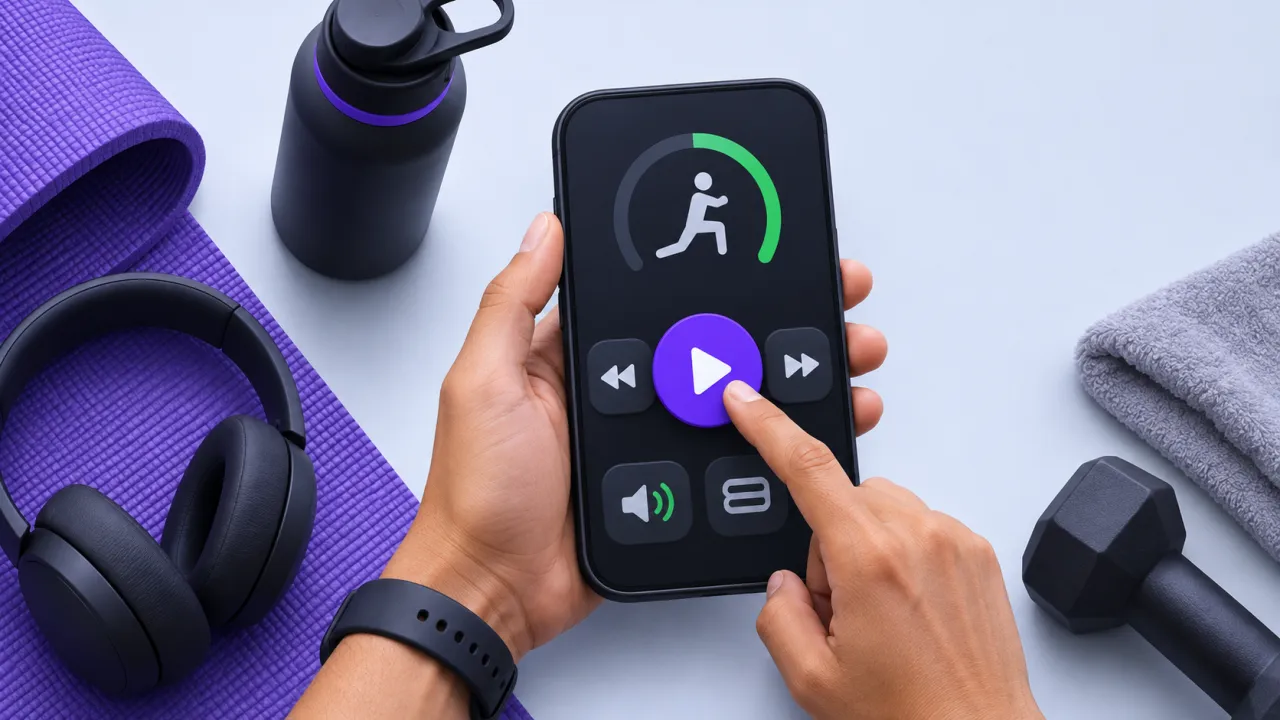
Workout interfaces are used with movement, fatigue and divided attention. Small targets, low contrast and controls that require precise gestures can make a polished screen difficult to use in the actual setting. Accessibility should be tested while completing a set, pausing a timer and correcting a log.
The contract to define first
Prioritize clear labels, generous targets, logical focus order and alternatives to gesture-only actions. Support text scaling without hiding the current exercise or primary action. Announce meaningful state changes to assistive technology while avoiding a stream of distracting timer announcements. Do not communicate completion or error using color alone.
A worked scenario
In a synthetic workout session, a user increases text size and operates the screen with one hand. They should still be able to pause, change a recorded value and advance deliberately. A swipe gesture may be convenient, but an accessible button should expose the same essential action.
An implementation and review sequence
- Test core tasks with large text and screen readers
- Provide visible alternatives to precision gestures
- Verify focus and announcements after state changes
Failure cases worth testing
| Condition or input | Expected behavior |
|---|---|
| Text size increases | Primary actions remain visible and reachable |
| Color perception differs | Completion and error remain distinguishable |
| A set is marked complete | Focus moves predictably without accidental advancement |
Download the illustrative acceptance checklist (JSON)
Tradeoffs and limits
Putting every action on the main screen can reduce clarity. Keep the primary workout task prominent and make secondary controls discoverable through accessible labels and predictable navigation.
Use the result to make a decision
The practical output is straightforward: create a one-handed and low-vision interaction acceptance checklist. Keep the assumptions with the artifact so a product owner, implementer or prospective partner can review the same decision. A useful handoff states the supported scope, the evidence collected and the remaining dependency instead of treating a successful demonstration as proof of every operating condition.
Continue with related implementation detail
Related guide: Find the work behind a slow React Native screen.
Workout substitutions by equipment
Exercise form feedback limitations
References and current platform requirements
Android: health and fitness app design
The linked references provide platform or process context. The worked scenario and acceptance matrix are original examples; adapt them to the actual product, supported environment and documented responsibilities.
Discuss the workflow
Map one coach-to-client workflow with AptixLabs before expanding the feature list.
Explore the relevant AptixLabs service
Explore the UltraFit360 product context
How do you test accessibility during a workout?
Workout interfaces are used with movement, fatigue and divided attention. Putting every action on the main screen can reduce clarity.
Which failure cases should be included in the review?
Include these explicit cases: Text size increases: primary actions remain visible and reachable; Color perception differs: completion and error remain distinguishable; A set is marked complete: focus moves predictably without accidental advancement.