
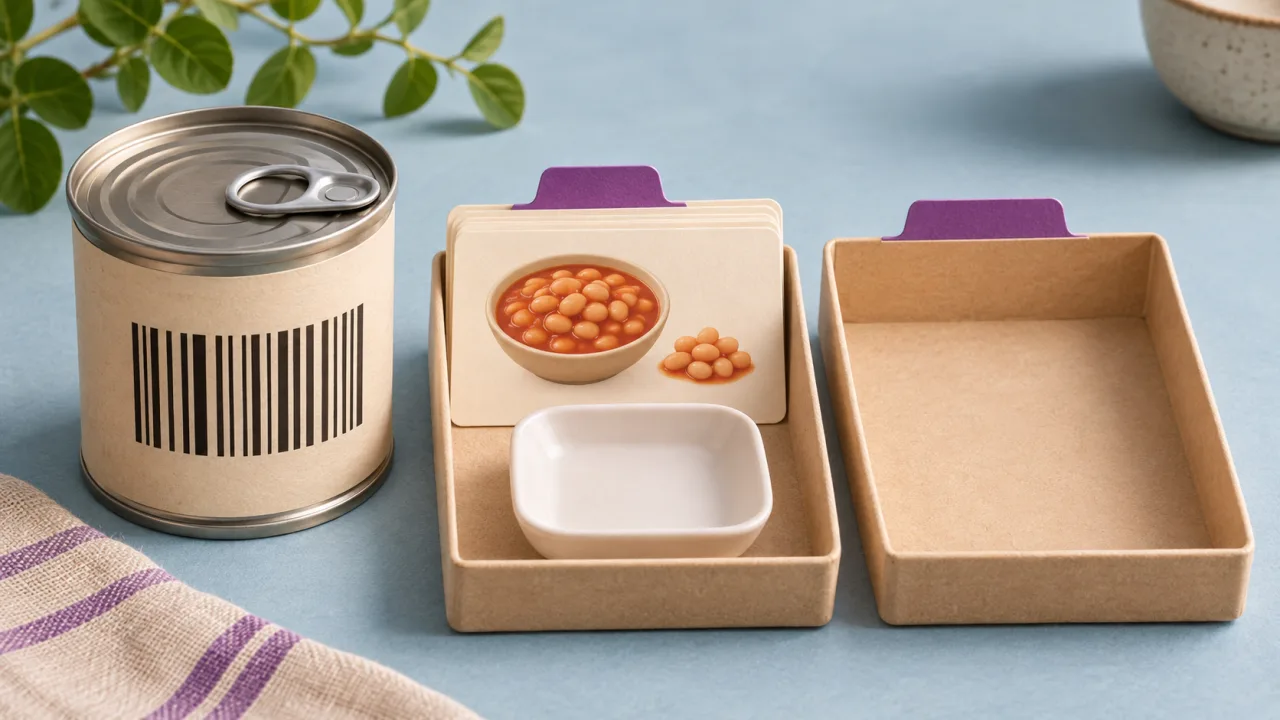
A barcode lookup identifies a product candidate. It does not establish how much the person consumed, whether the database entry is current or whether every nutrient is known. Preserve the original code as a string, retain the provider product identity and make the portion conversion a separate explicit step.
Prerequisites include supported barcode formats, a chosen product database, allowed use of its data and a no-match workflow. Treat scanner decoding, product lookup and nutrition calculation as separate boundaries. A successfully decoded code can still have no provider match.
Normalize without destroying the lookup key
Keep leading zeros and the scanner’s detected symbology. Do not parse a code as an integer and then rebuild it from a number. If the selected provider requires an alternate representation, retain both the scanned form and the normalized lookup form with a documented transformation. Avoid guessing a product from a nearly matching number.
Open Food Facts provides a first-party API for product lookup. Its server documentation is the place to verify current request conventions, fields and usage requirements. A catalog match remains provider data; it is not an independent verification of a package’s current contents or an endorsement of a product.
Open Food Facts: API documentation
Map product nutrients and portion units independently
| Provider field concept | Synthetic example | Application decision |
|---|---|---|
| Product code | 0012345678905 | Retain string identity |
| Nutrient basis | 120 kcal per 100 g | Store original basis |
| Package serving | 30 g | Convert only with known mass |
| Consumed quantity | 1.5 servings | 45 g; calculate 54 kcal |
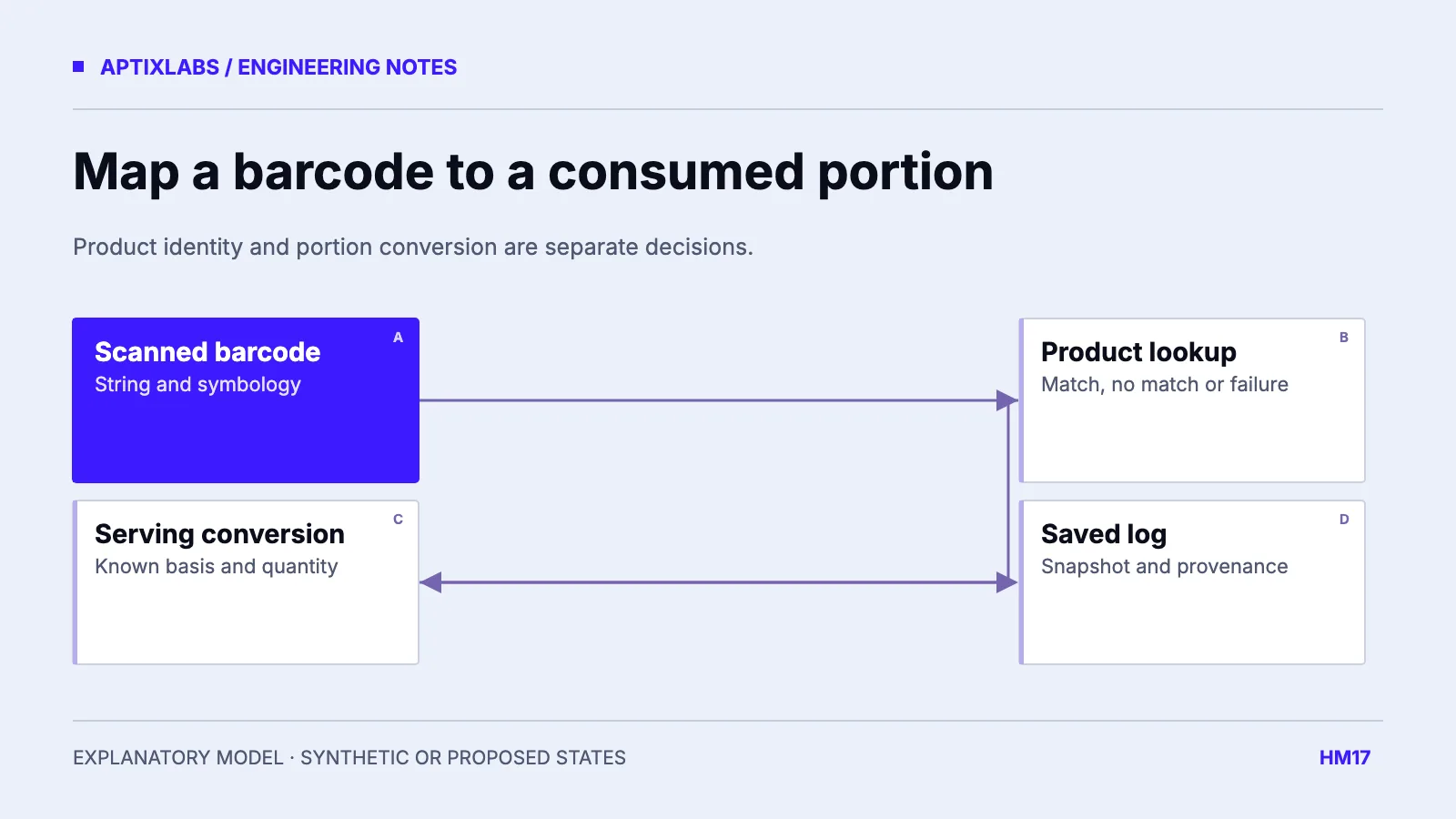
The code and numbers are fictional. The arithmetic is 120 × 45 / 100 = 54 kcal. It assumes that the provider’s per-100-gram value and the stated 30-gram serving refer to the same product entry. A serving described only as “one scoop” needs a known mass before this conversion is possible.
Do not use package net weight as serving weight unless the user explicitly consumed that package amount. Preserve unknown nutrient fields instead of deriving a full nutrition panel from a single energy number. Units such as milliliters require an explicit basis; volume should not silently become grams.
Make no-match a complete product state
For a second synthetic code with no result, show that the product was not found and allow a clearly identified manual entry or another supported lookup. Do not create a food by copying a neighboring product. Retain enough context to retry a transient provider error without recording it as a confirmed no-match.
If several product records or regional variants are possible, let the user verify the label and package. A correction should create an inspectable application choice, not mutate every historical meal silently. Keep provider observation time and the saved log snapshot so later database edits can be reconciled deliberately.
Validate the adapter with fixtures before a scanner demo
The reviewed UltraFit360 nutrition serializer supplies finite and nullable field conversions. It is adjacent code context, not evidence of a barcode integration. Its defaults also require review before carrying incomplete product data into a food log. This guide proposes the barcode workflow; no scanner or provider request was executed.
Use fixtures for leading zeros, unsupported symbology, a per-100-gram record, an absent serving mass, unknown fiber, no-match and provider failure. Verify that editing the consumed quantity changes the log calculation while preserving the original product basis. Check repeat scans so the same product does not create duplicate catalog identities.
For a scoped integration review, bring one fictional package label, the provider response contract and the required offline fallback. The useful output is a field map and a correction journey, not a claim that every packaged food will be recognized.
Cache product lookup and consumed logs under different identities. The same product can appear in many meals with different quantities, while one meal should retain the accepted snapshot. A refreshed product entry may update future lookup previews without rewriting existing logs. Test a repeated scan after a fictional provider correction and inspect both the new candidate and the older saved meal. This exposes accidental coupling between a mutable product cache and historical consumption records before it reaches users.
Propose a bounded UltraFit360-related integration pilot with the partner system, intended users, data rights, owners and acceptance criteria; availability must be verified.
Explore health fitness app development
What does a barcode identify in a food integration?
It identifies a product lookup key, not the consumed portion or guaranteed nutrient completeness. Preserve the identifier and map serving basis explicitly.
Does a product match tell the app how much was eaten?
No. The consumed quantity and a compatible serving or mass basis must be supplied separately.