
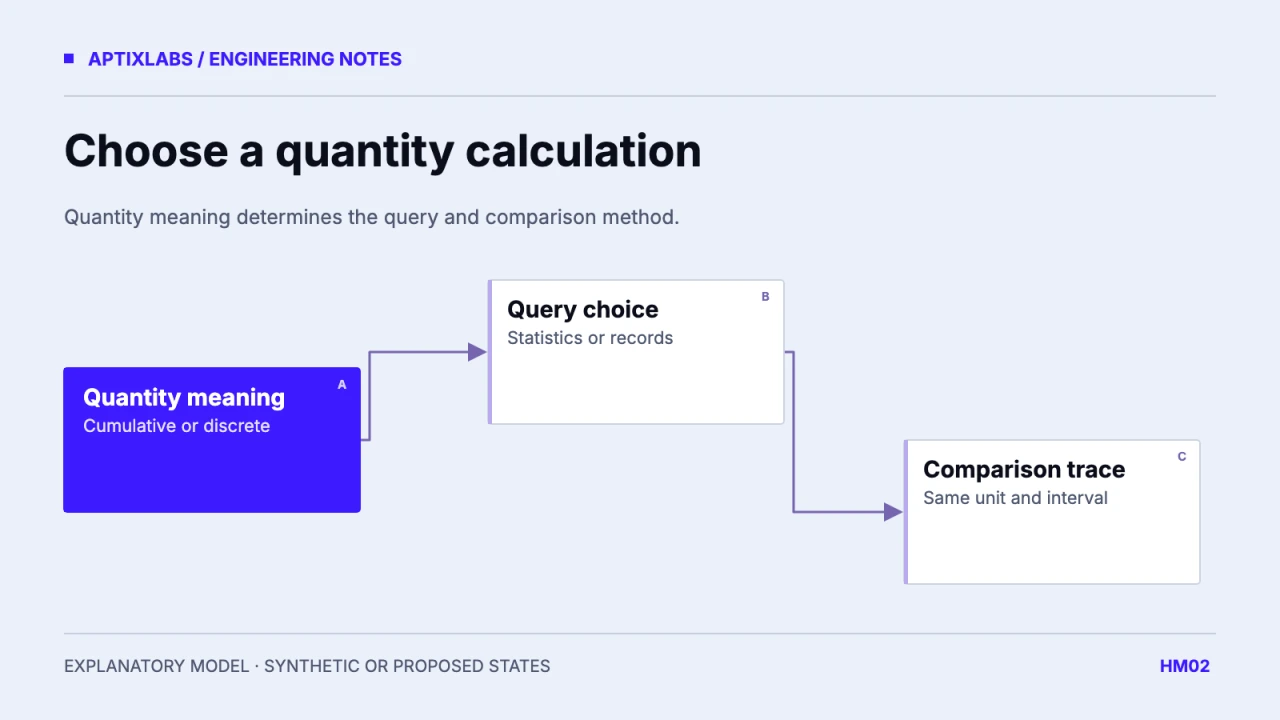
Choose a HealthKit statistics query when the required calculation matches the quantity type and supported statistics. Choose a sample query when the workflow needs individual records, their identities or a transformation the statistics query does not perform. The first question is what the quantity means, not which query returns fewer lines of code.
Before writing a bridge, list the HealthKit identifier, compatible unit, cumulative or discrete meaning, predicate and desired output. A daily step total and an average of heart-rate readings should not pass through the same unconditional sum function. Keep raw and derived representations distinct in the application model.
Match the operation to the quantity
Apple documents statistics queries for sums of cumulative quantities and minimum, maximum or average of discrete quantities. They apply to quantity samples. Workouts and correlation samples need other queries and application processing. Do not make a wrapper method called getStats look universal by silently converting unsupported inputs into an empty number.
Apple: HKStatisticsQuery and supported calculation classes
| Synthetic input | Useful operation | Misleading operation |
|---|---|---|
| Step intervals: 100, 200 | Cumulative total: 300 | Average: 150 labelled daily steps |
| Heart-rate samples: 60, 90, 75 bpm | Sample average: 75 bpm | Sum: 225 bpm labelled heart rate |
| Workout objects | Explicit workout aggregation | Quantity-statistics call for a nonquantity |
The arithmetic here is illustrative, not an executed HealthKit result. Even the 75 bpm example is only the arithmetic mean of three supplied samples. A time-weighted estimate asks a different question and needs timing assumptions. Do not let a convenient mean imply uniform coverage or a medically meaningful assessment.
Use one interval when comparing query paths
A comparison is interpretable only if the predicates match. Record start and end instants, reporting timezone, boundary rules, source filters and unit conversion. Comparing a UTC day of raw samples against a local-day statistic can manufacture a discrepancy before any numeric operation runs. Crossing samples also deserve a deliberate inclusion policy.
Create a fixture day with one interval before midnight, one crossing it and one entirely within the window. Write down which records each predicate should admit. Then compare native query outputs on an authorized test device. Retain the predicate settings with the fixture so a future SDK or bridge update can be assessed against the same input contract.
Read raw samples for identities and explanations
A total cannot tell you which provider record was corrected or deleted. If the feature supports reconciliation, provenance or a detailed authorized support view, keep the record references needed for that task. This does not require retaining every raw field forever. It requires knowing what the summary alone cannot reconstruct.
Avoid using a raw sample sum as an assumed substitute for platform aggregation. Overlapping sources and selected source behavior can affect the result. First define whether the UI promises a source-specific view or a platform summary; then validate the query that serves that promise. Different answers can be valid when they answer different questions.
Keep permission setup separate from query evidence
The reviewed UltraFit360 authorization block lists activity, cardiovascular and sleep reads. That establishes the intended permission surface in source. It does not prove that a statistics query, predicate or source policy is implemented for every listed quantity. The write-permission list is empty and must not be treated as evidence of write-back.
A practical review delivers one metric sheet and a device comparison trace: requested identifier, operation, unit, predicate, result and absence or error state. Include no readings, a corrected sample and partial access. Use the result to choose the implementation path, then link it to the separate synchronization and deletion policy rather than making one query responsible for the whole data lifecycle.
For a native bridge review, compare the units at both sides of serialization. A native quantity converted to a number without its declared unit can be interpreted twice by JavaScript. Return a typed application value or a tightly documented unit-specific field. Include a fixture where the display preference changes while the native query remains unchanged. The expected result is a different presentation of one quantity, not a new query operation or a silently rewritten observation.
Bring the specific record types, device/OS targets and one failing or proposed data journey to scope a wearable integration review.
When should a HealthKit integration use statistics instead of raw samples?
Use compatible statistics for quantity calculations; read raw samples when identity, provenance or custom interval processing is required.
Is a raw sample sum always the same as a platform total?
No. Predicates, source overlap and metric-specific aggregation behavior need to match before the values can be compared.