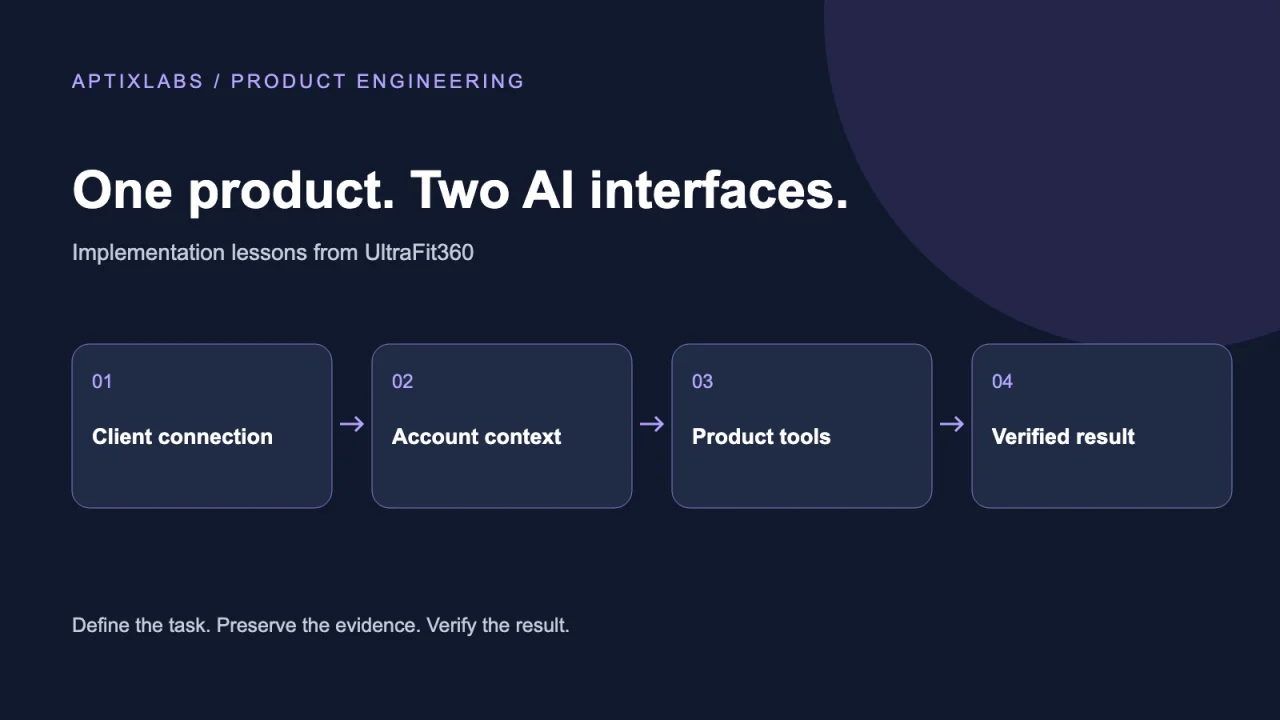
A fitness app can connect to ChatGPT and Claude through an MCP server that exposes a bounded set of product operations. The useful integration is a path from a person's request to authorized application data and a verifiable result. For UltraFit360, the source code provides a concrete example: account-linked tools for nutrition, workouts and coaching, alongside a separate coach tool registry.
Why MCP matters for product teams
OpenAI and Anthropic both document remote MCP connections. That creates an opportunity to make selected product capabilities available in different conversational interfaces. It is evidence of platform support, not a measurement of search demand or proof that users prefer chat to an app. A focused integration should earn its place by completing a task that would otherwise require several steps.
Imagine a client asking to review recent workouts before a coaching conversation. A useful tool returns the relevant records and their dates. It should not silently invent missing workouts or interpret an empty response as a successful training week. The conversation is an interface; the product remains responsible for the records.
What the UltraFit360 implementation shows
The backend publishes OAuth resource metadata and recognizes ChatGPT and Claude client origins. The MCP request wrapper carries a verified user identifier and scopes into tool dispatch. The tool collection includes reading workouts and nutrition, logging a meal and updating goals. These are source-level observations, not a claim that every client's connection was tested during this review.
A separate coach registry groups operations around the roster, client records, programs, messages and check-ins. Some tools use a preview and confirmation-token flow; others are direct writes. That distinction matters when designing the experience: confirmation behaviour must be specified for each operation, rather than assumed from the existence of MCP.
Connecting the client without duplicating the product
For ChatGPT, follow OpenAI's current custom MCP setup, supply the server URL and authentication configuration, then install the connection in the permitted workspace. For Claude, use its custom connector flow and authorize the requested account access. UI names and workspace permissions can change; the official guides below are the maintained setup references. Remote servers also need to be reachable by the service making the requests.
Start with one read-only task before enabling changes. Confirm the connected account, the records returned and the behaviour after access is revoked. Introduce a write only when its permissions, confirmation behaviour and success response are clear. Never put a privileged backend credential into a public client configuration.
A pilot acceptance checklist
- Test the same account and task in each supported AI client; compare the underlying records, not the wording of the answers.
- Verify that a client cannot request another person's records by changing an identifier.
- Exercise an expired session, a missing record and a backend timeout.
- For writes, inspect the saved application state and test retries so a repeated request cannot create unintended duplicate actions.
- Define which operations require a preview, who can approve them and what happens if the relevant record changes before approval.
When this approach is useful
MCP is a good candidate when a product already has useful operations and permission boundaries. It does not eliminate those responsibilities. Our implementation lesson is to expose a small, understandable task surface over the existing product, then widen it only as the evaluation evidence improves. For the security details, the related authentication guide goes deeper into token and record-level checks.
Sources and next steps
OpenAI: connect a custom MCP server
Claude: remote MCP custom connectors
Discuss a related implementation with AptixLabs
Does MCP replace the existing app API?
No. It exposes selected product operations to AI clients. The business API and tool handlers still need to enforce permissions and validate changes.