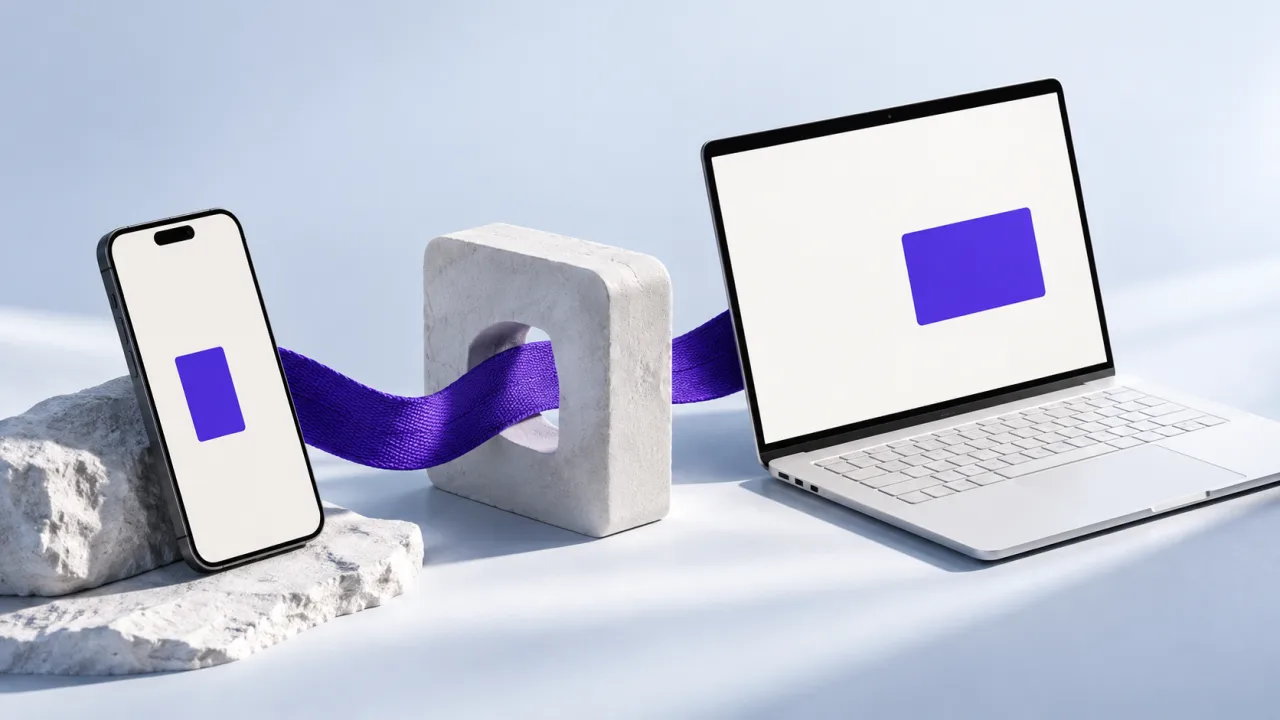
Build the interface around the place where the work happens. A coach comparing several clients may need a large screen and dense records. A client logging a set beside a rack needs a fast, one-handed interaction. Calling both audiences “users” can hide the reason a B2B product eventually needs more than one interface.
Observe the task before choosing the platform
List the environment, input and device capability for the first valuable journey. Does the person sit at a desk, move between locations or work without reliable connectivity? Do they need health-platform access, camera processing, notifications or only a form and a report? Verify the required capability on the actual supported devices instead of assuming a browser or framework can provide it identically everywhere.
For administrative workflows, a responsive web application can make access and iteration straightforward. For frequent, device-connected tasks, a native or cross-platform mobile application may be justified. The right first release can be one of these, with a deliberately smaller companion interface later.
| User task | Useful starting point | Validate before committing |
|---|---|---|
| Review a roster and edit plans | Web interface | Table density, keyboard use and permissions |
| Log activity while moving | Mobile-friendly flow or app | Input speed, offline behaviour and recovery |
| Read platform health records | Supported mobile integration | Permissions, device support and store requirements |
| Share a public report | Web page | Access policy and link lifetime |
| Capture and process camera input | Device-specific feasibility test | Performance, consent and supported hardware |
What UltraFit360 illustrates
UltraFit360's reviewed implementation combines an Expo/React Native mobile app with a coach web portal. The portal includes client records, programs, meal plans, messaging and check-ins. The app and portal connect to backend workflows rather than maintaining unrelated copies of the product's meaning.
The lesson is not that every SaaS startup needs two applications immediately. It is that distinct tasks can justify distinct interfaces while still requiring consistent account boundaries and record ownership. If a coach changes a plan on the web, the client-facing state must have a clear update and refresh path.
Explore the UltraFit360 app and coach architecture
Compare the operating work as well as the build
A mobile release introduces supported-device testing, app-store preparation and version compatibility with the backend. A web release needs browser testing, responsive behaviour and accessible interaction. Both need monitoring, account recovery and reliable data handling. Reusing a language or component does not remove those responsibilities.
thoughtbot's platform guidance considers mobile web in the context of user needs. Use that as a reminder to test requirements before selecting a distribution channel. “An app feels more premium” is a weaker reason than a verified capability or a recurring task that benefits from the device.
Reference: thoughtbot's mobile web guidance
Prototype the decision that could reverse your plan
If health-data access is essential, prove permission and data availability on representative devices. If dense editing is essential, test the proposed layout with realistic record counts. If offline work is essential, demonstrate a reconnect conflict rather than only an airplane-mode screenshot. These checks expose constraints before the project grows around a platform assumption.
For an AptixLabs scoping conversation, bring the first user journey, target devices and the capability you cannot compromise. We can assess the smallest interface set that delivers the task and leaves a clear path for the next audience. Existing UltraFit360 code provides examples to discuss; your roadmap follows your users.
Should a B2B SaaS startup build web or mobile first?
Start with the interface that fits the first important customer task and its required device capabilities. Administrative work often suits web, while some recurring or device-integrated tasks justify a mobile app.
Can a mobile app and web portal share one backend?
Yes, but shared APIs do not automatically guarantee consistent state. Define record ownership, permissions, version compatibility and how changes reach each interface.