
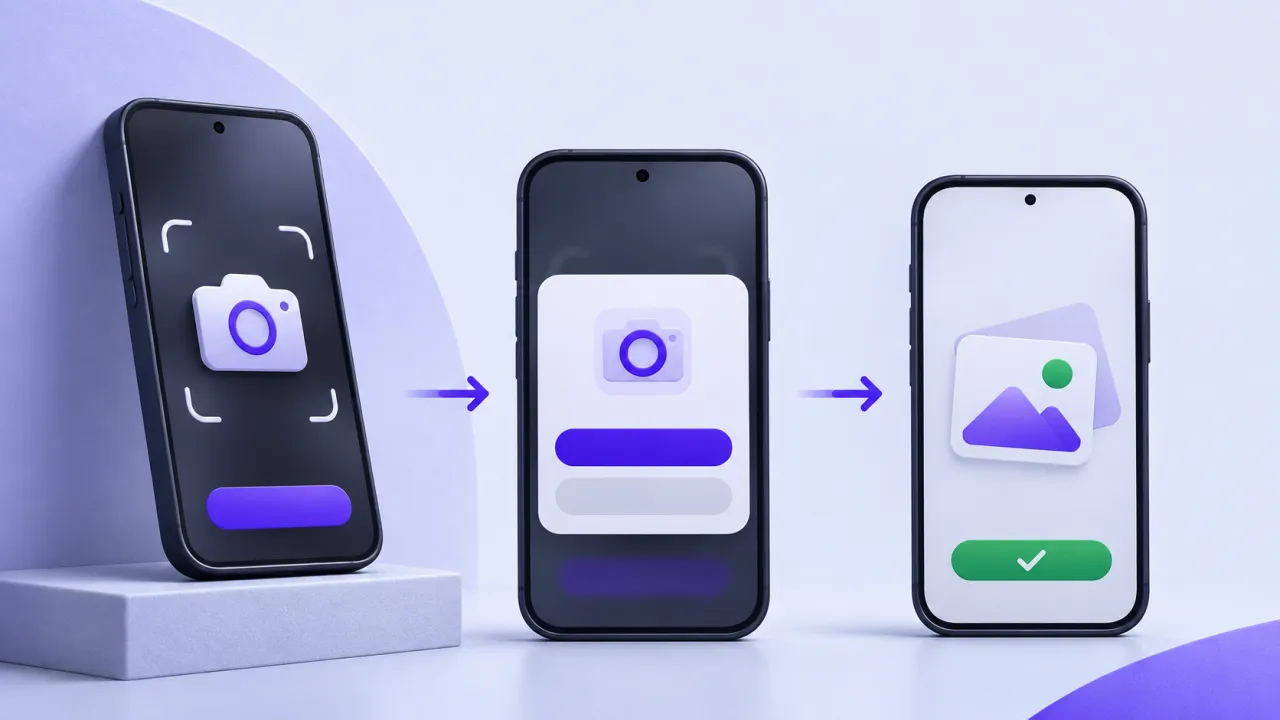
Camera permission is often requested at the moment a user wants to scan a meal or capture a photo. The interface should explain that immediate purpose and handle denial without making the rest of the app unusable. Permission state is a product flow with several outcomes, not a one-time yes/no dialog.
The contract to define first
Request access in context and distinguish operating-system denial, unavailable hardware, restricted access and an interrupted capture. Provide a supported alternative such as manual entry or a system picker when appropriate. Avoid repeated prompts that cannot change the operating-system state, and guide the user to settings only when that action can actually help.
A worked scenario
A synthetic user declines camera access while logging food. Manual logging should remain available if it does not depend on the camera. When the user returns later, the app should show the current state and the appropriate recovery route rather than repeatedly replaying the same explanation.
An implementation and review sequence
- Ask only when the feature needs the camera
- Provide supported alternatives for denial and failure
- Recheck state when returning from system settings
Failure cases worth testing
| Condition or input | Expected behavior |
|---|---|
| Permission is denied | Unrelated tasks remain usable |
| The user changes access in settings | The screen refreshes its state |
| Capture fails despite permission | The error is not mislabelled as denial |
Download the illustrative acceptance checklist (JSON)
Tradeoffs and limits
An elaborate permission introduction can delay the task. Use short, specific copy and reserve deeper explanation for users who need help understanding access or retention.
Use the result to make a decision
The practical output is straightforward: design denial retry and limited-access flows without blocking unrelated tasks. Keep the assumptions with the artifact so a product owner, implementer or prospective partner can review the same decision. A useful handoff states the supported scope, the evidence collected and the remaining dependency instead of treating a successful demonstration as proof of every operating condition.
Continue with related implementation detail
Related guide: Pose estimation in fitness apps: photo alignment versus form feedback
Mobile release QA device matrix
Mobile crash symbolication guide
References and current platform requirements
Android: minimize permission requests
Platform capabilities, programme terms and access conditions can change. Check the linked primary references against the version and account you actually use; the patterns above do not establish a provider approval, certification or universal compatibility guarantee.
Discuss the workflow
Bring the affected device, release version, and a reproducible workflow for a scoped mobile discussion.
Explore the relevant AptixLabs service
What should happen when camera access is denied?
Camera permission is often requested at the moment a user wants to scan a meal or capture a photo. An elaborate permission introduction can delay the task.
Which failure cases should be included in the review?
Include these explicit cases: Permission is denied: unrelated tasks remain usable; The user changes access in settings: the screen refreshes its state; Capture fails despite permission: the error is not mislabelled as denial.