
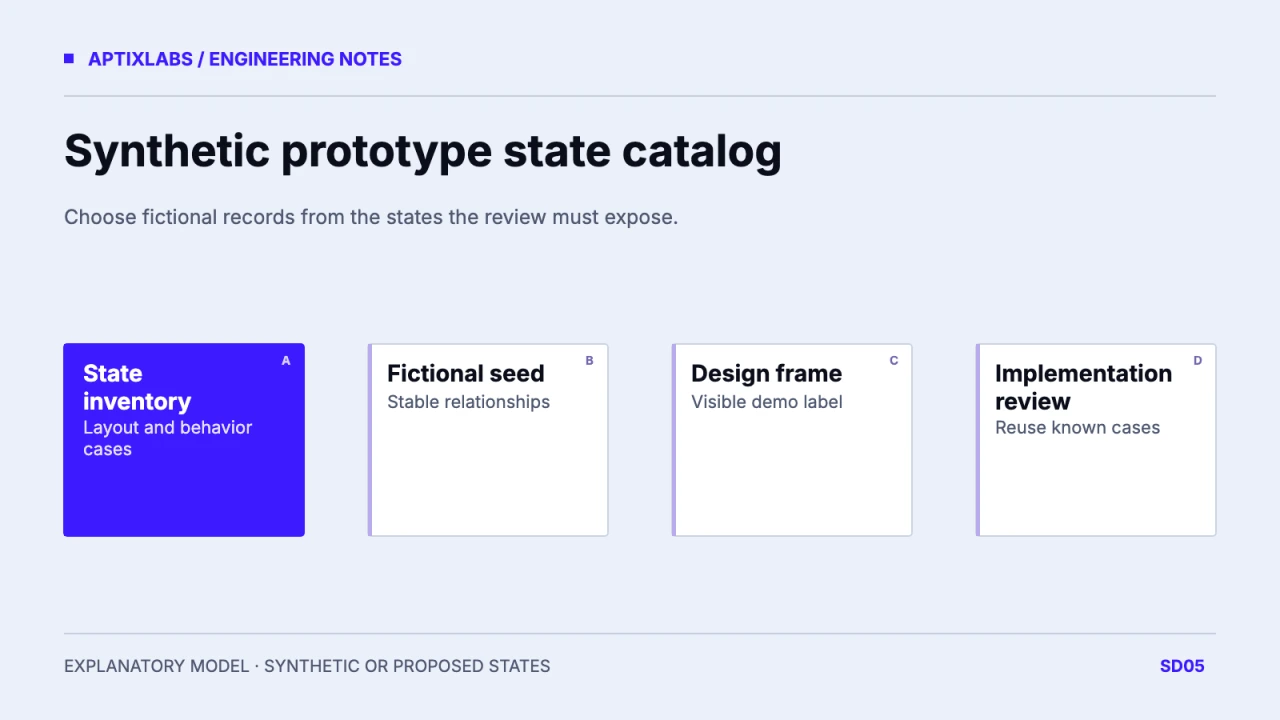
Build prototype data from the states the design must expose, using fictional identities and intentional relationships. A synthetic dataset should reveal long content, empty values and restricted access without exporting customer records.
Start with states rather than a realistic-looking roster
List the decisions a prototype review needs to make: wrapping a long name, distinguishing no submission from no access, showing a partial record and explaining a failed request. Those states determine the dataset. Random names alone may fill a table while leaving every difficult condition absent. For a fictional coaching roster, choose three or four records with stable identifiers and known purposes. Use labels such as Demo account in the prototype and presentation. The aim is controlled variation that design and engineering can reproduce, rather than a dataset that appears to describe real people.
Create identities that cannot be confused with customers
Write fictional records from scratch and use reserved example domains for any email-like values. Do not begin with a customer export and replace only the names: notes, timestamps, rare combinations and identifiers can retain sensitive meaning. Avoid real health histories and account secrets. If numeric values are needed to stress a chart or a badge, label them synthetic and choose them for the layout task. Figma’s sample-dataset tooling is an authoring option; its generated content still requires review before it enters a shared design file or public screenshot.
| Record | Intentional content | Expected review |
|---|---|---|
| DEMO-01 | Very long fictional display name | Wrap without hiding action |
| DEMO-02 | Check-in unsubmitted | Explain missing submission |
| DEMO-03 | Restricted record, no private detail | Show access state |
| DEMO-04 | Program relation missing | Provide repair or fallback |
Preserve relationships and intentional absences
A useful fixture connects a fictional client to a fictional program and a known check-in state. Missing data should have a reason in the fixture definition. A restricted record should not include private detail in a hidden layer, tooltip or inspectable payload. Keep unsubmitted, unavailable and access-denied states distinct so the prototype does not teach the implementation to treat every empty cell identically. A seed manifest can list each record’s role in the review. This gives a later engineer enough information to reproduce the same edge case without guessing what the designer intended.
{"id":"DEMO-03","displayName":"Restricted demo record","access":"denied","privateDetail":null}Review what the screenshot actually exposes
Inspect the entire frame, layer names, image assets and surrounding browser chrome before sharing. A synthetic table can still sit beside a real profile avatar or a copied account identifier. Use a dedicated demo identity and remove unrelated notifications. Keep test labels visible when presenting invented measurements. Review text for accidental claims about an actual product or customer. A screenshot demonstrates a chosen visual state; it cannot establish that permission checks, persistence or deletion behave correctly. Those need a separate implementation exercise using the same safe fixture.
Reuse one seed across the design handoff
Version the dataset alongside a short state catalog and give the design file a link to the approved seed. A later change to a long label should update the expected layout case, not silently replace the purpose of the record. If the implementation needs a resettable demo, add isolation and reset requirements rather than reusing production imports. Assign an owner to review new fields before they enter the seed. The completed artifact is a compact, explainable dataset whose edge cases are intentional and whose fictional status remains clear throughout the prototype review.
Figma prototype versus production MVP
Product design handoff specification
Bring the prototype task and required edge states to define a reusable fictional seed.
B2B SaaS development: scope and acceptance
Is changing names in a customer export enough?
No. Other fields and relationships can still expose private information. Construct a fictional seed from the required states.
Can generated sample data replace review?
No. Check every field, relationship, asset and label before sharing the prototype.