
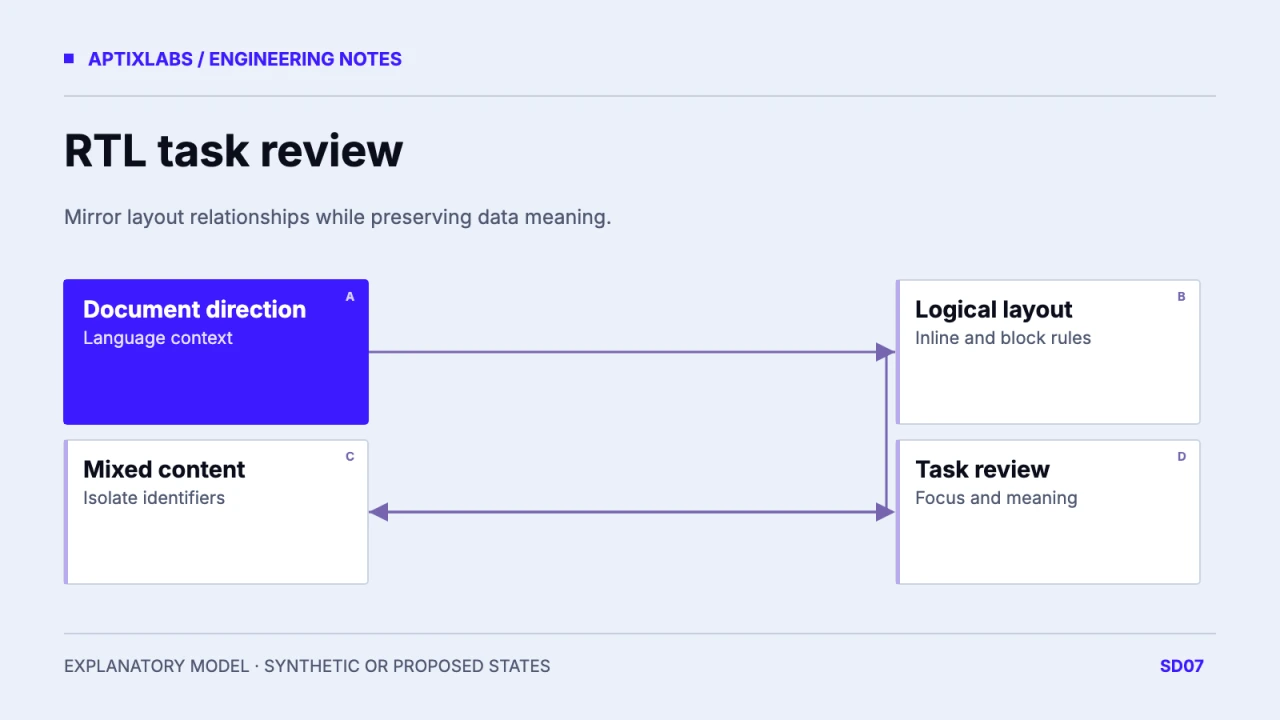
Use document direction, logical CSS and explicit bidirectional boundaries to build an RTL dashboard. Mirror spatial relationships where appropriate while preserving identifiers, data meaning and a coherent keyboard task.
Separate language direction from product semantics
A translated label and an RTL layout are related decisions, but neither determines the meaning of every icon or chart. Establish the page language and base direction, then list content that mixes Arabic text with Latin identifiers, dates or URLs. Avoid flipping the entire application with a transform: that also reverses content and visual symbols without changing their semantic contract. The acceptance task should be a complete operation such as locating a fictional client and opening a check-in. Review that task with readers familiar with the target language and domain.
Replace physical spacing where it expresses a relationship
MDN’s logical-properties guide maps layout to inline and block directions. Use margin-inline-start for spacing before an inline element and padding-inline for paired insets, rather than manually swapping every left and right declaration. Audit absolute positioning, borders and rounded corners separately. Physical properties can remain appropriate for a deliberately physical relationship, such as an annotated image. Make exceptions explicit. Check the cascade for old left or right declarations that override a new logical rule. A partial conversion can produce doubled spacing or a control positioned correctly in only one direction.
| Element | Decision | Check |
|---|---|---|
| Card inset | Logical padding | Both directions |
| Record ID | Explicit bidi boundary | Punctuation readable |
| Next-step arrow | Review directional meaning | Task remains clear |
| Chart axis | Product-defined convention | No blind transform |
Decide which symbols communicate direction
An arrow for moving to the next step may need a direction-specific treatment; a brand mark, media symbol or data visualization may have a different convention. Make an icon inventory with meaning, current asset and RTL decision. Do not infer chart direction solely from page direction. Numeric axes, chronological sequences and progress meaning need product-specific review. In the synthetic roster, a Latin record ID remains readable within its own boundary while the surrounding Arabic label follows the document. Browser bidi handling is the starting point; manual punctuation reversal is a source of errors.
.row { padding-inline: 1rem; gap: .75rem; }
.row__action { margin-inline-start: auto; }
/* Markup: <bdi dir="ltr">DEMO-042</bdi> */
Exercise mixed-script content and keyboard order
Use known fictional records containing a long Arabic label, a Latin identifier, a negative value and a date. Consider bdi or an appropriate dir boundary for dynamic content whose direction differs from its surroundings. Verify how parentheses and punctuation render beside the identifier. Walk the page with a keyboard, open the row menu and return focus after dismissal. Visual reordering with CSS should not leave a confusing focus sequence. Test both narrow and wide layouts; a mobile stacked table may reveal different alignment defects from a desktop row. This guide specifies that review rather than claiming device coverage.
Keep a paired review record
Capture the same task in LTR and RTL with equivalent fixture data, viewport and component states. Record the direction setting, locale formatting policy and deliberate icon exceptions. Diagnose failures by layer: content formatting, logical layout, bidi boundary or interaction order. That makes a correction reviewable without rewriting all localized styles. A single mirrored screenshot cannot prove accessibility or translation quality. Before release, have the target-language reviewer confirm the task and have engineering verify the actual save or navigation result. Keep units and localization decisions in the existing internationalization contract.
Fitness app internationalization architecture
Mobile coach portal responsive tables
Bring the same user task in both directions and the target locale to review its layout contract.
B2B SaaS development: scope and acceptance
Should all icons flip in RTL?
No. Decide from each icon’s meaning and the target-language convention; do not transform the whole screen.
Do logical properties fix keyboard order?
They express directional layout. Keyboard and reading order still need a task-level review.